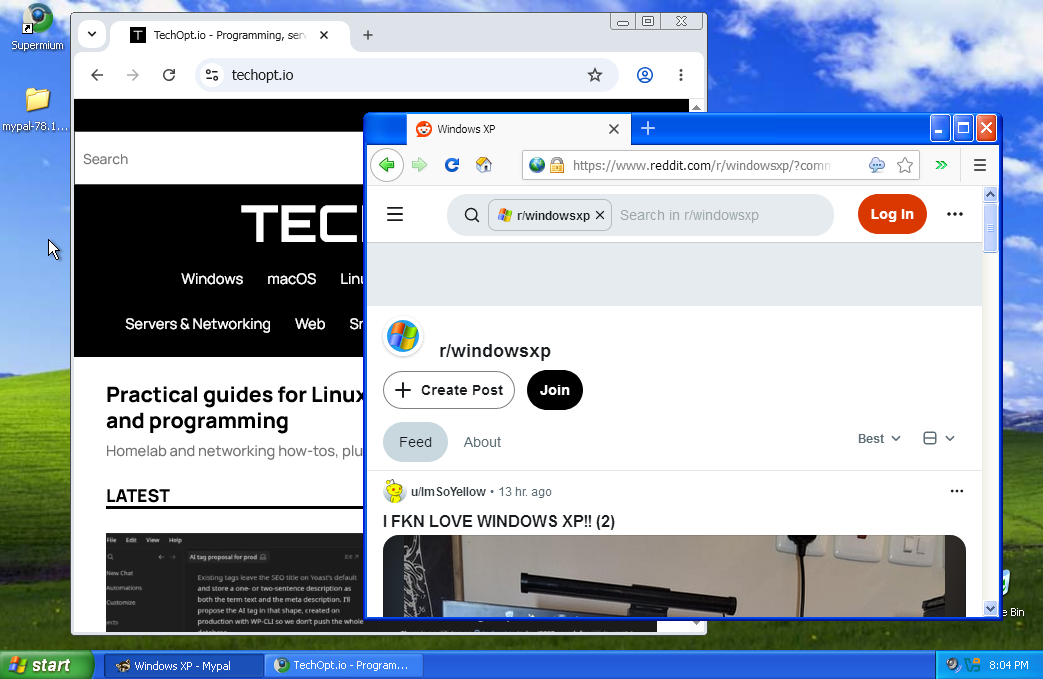
For some reason, people keep finding TechOpt.io by searching for Windows XP. It’s the end of 2026, and apparently plenty of you are still interested in that blue taskbar and legendary startup sound. Maybe you’re restoring an old PC, keeping legacy software alive, or refusing to admit XP retired over a decade ago. Either way, let’s look at the modern browsers for Windows XP that can still open today’s websites.
I even made a short video showing how to browse modern websites on Windows XP on the TechOpt YouTube channel. So apparently I’m contributing to the problem.
TL;DR: Start with Supermium if you want the closest thing to modern Chrome on XP. Try Mypal if you prefer a Firefox-style browser or have older hardware. Neither makes Windows XP a secure everyday operating system.
Modern Browsers for Windows XP: Quick Comparison
| Browser | Based on | Best for | Main limitation |
|---|---|---|---|
| Supermium | Chromium | Better compatibility with newer websites | Can be demanding on older PCs; XP-specific bugs still crop up |
| Mypal | Modified Firefox code | Firefox-style browsing and some older CPUs | Not equivalent to current Firefox; some sites still break |
| New Moon | Pale Moon / Goanna-derived | Retro setups and lighter browsing | Older web engine and patchy modern-site support |
| K-Meleon | Goanna-based variants | Very limited hardware | Modern site compatibility varies considerably |
These are community-maintained or specialist projects, not official Chrome or Firefox releases for XP. For most people, the first two are where I’d start.
Best Modern Browser for Windows XP: Supermium
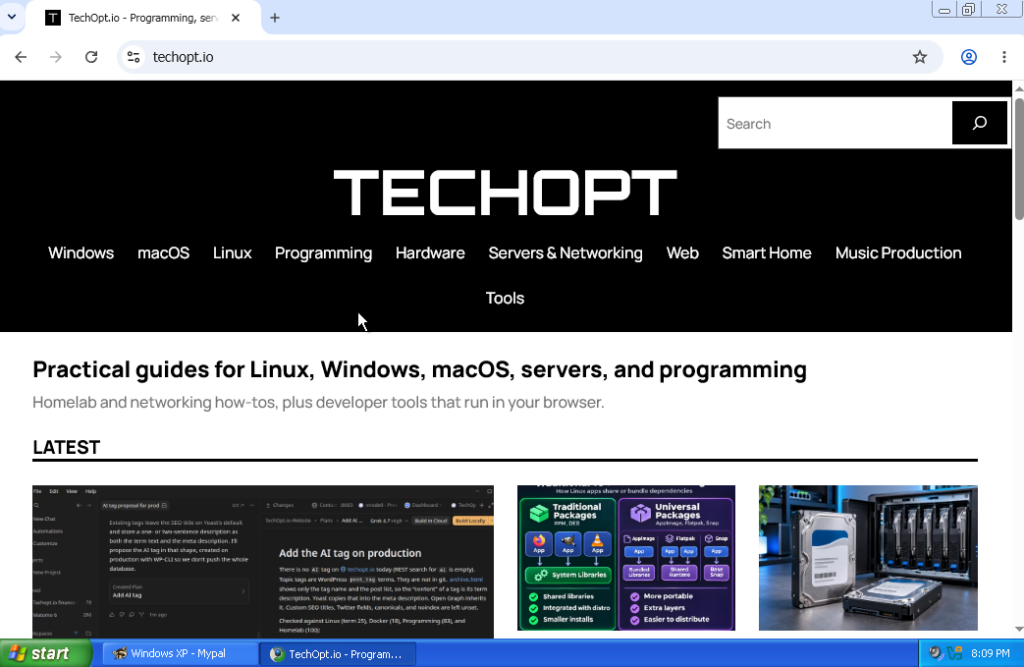
Supermium is a Chromium fork built to bring a relatively current browser engine to older versions of Windows, including Windows XP. The interface feels much closer to Google Chrome than the browsers most of us remember from the XP era.
Among modern browsers for Windows XP, Supermium is especially interesting because today’s sites expect JavaScript features and browser APIs that XP-era browsers don’t support. Google Chrome itself stopped supporting XP in 2016.
Supermium continues to receive updates. At the time of writing, its current version includes upstream security patches and a fix for crashes affecting certain websites on Windows XP. That’s a meaningful improvement over installing an ancient copy of Chrome 49.
It isn’t magic, though. Heavy websites can struggle on old processors, and some releases introduce XP-specific issues. The 32-bit build requires an SSE2-capable CPU.
Download: Supermium’s official GitHub releases. You can also use the official website, which is designed to be accessible from older browsers.
Firefox-Style Browser for Windows XP: Mypal
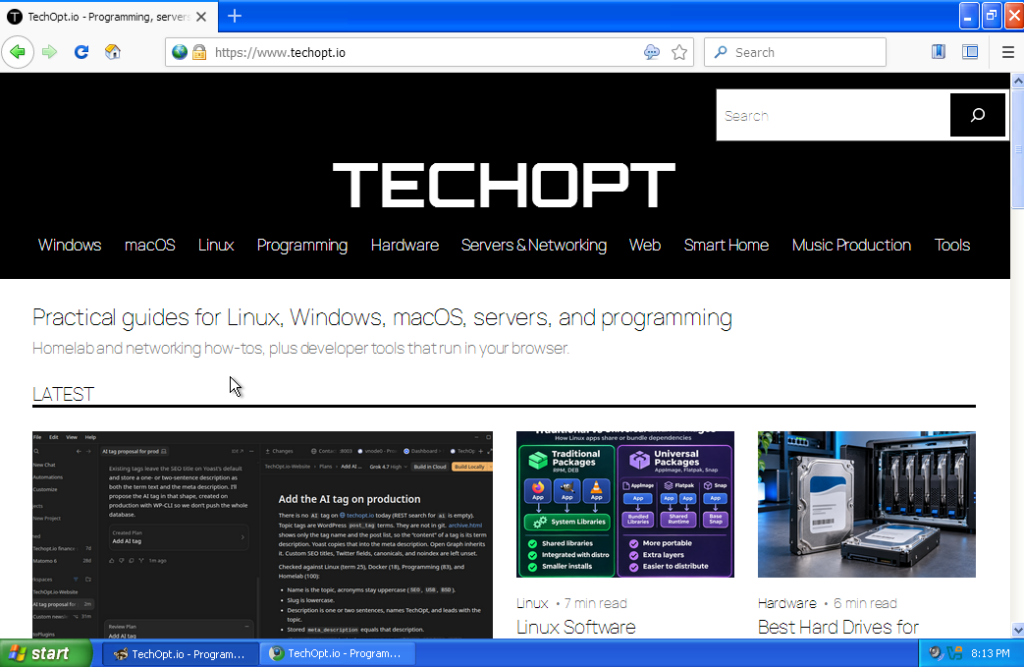
Mypal takes a different approach. Instead of Chromium, it builds on modified Mozilla Firefox code, allowing newer web features to reach Windows XP long after official Firefox support ended.
Despite the repository name Mypal68, the project has moved beyond its original Firefox 68-era foundation. It’s still maintained, although it isn’t equivalent to current mainstream Firefox.
Of the modern browsers for Windows XP, Mypal is worth checking on older hardware: its SSE build can target a Pentium III or Athlon XP. That’s useful on a real retro PC rather than a VM.
There are limits. The developer recommends XP SP3 and warns about crashes on earlier service packs. Browser processes can also hit an approximately 1.5 GB memory ceiling. The 64-bit build isn’t supported on Windows XP x64.
Download: Mypal’s official GitHub releases. For typical Windows XP installations, start by checking the available 32-bit builds.
What About New Moon and K-Meleon?
New Moon is an XP-compatible Pale Moon offshoot, while K-Meleon has lightweight, Goanna-based community builds.
They’re interesting for older hardware and simpler sites, but I wouldn’t choose either over Supermium or Mypal for modern compatibility. Check build dates and developer release notes, not random mirrors.
How to Install Modern Browsers for Windows XP
Installation is straightforward; getting the files onto an XP PC can be harder.
- Check Windows and CPU compatibility. XP SP3 is the best starting point. Confirm whether you need a 32-bit build and whether your processor supports SSE2.
- Download from official sources. Use the linked GitHub releases, not repackaged installers.
- Use a USB drive if needed. Internet Explorer can’t open GitHub and a lot of other download sites where these browsers are hosted, so you’ll have to download the file on another computer and transfer it.
- Install or extract the browser. Some downloads are installers; others are portable archives.
- Test the sites you need. Check pages, video playback, and logins. Not every site will work.
If pages fail, try the other browser before changing TLS settings. Don’t bypass certificate warnings. Missing web features or limited memory might be the real problem.
Watch My Windows XP Browsing Short
I made a TechOpt YouTube video demonstrating modern web browsing on Windows XP with Supermium. It’s a quick way to see the idea in action before you try it yourself.
Is Windows XP Still Safe for Browsing?
No. Microsoft ended Windows XP support on April 8, 2014. That means the operating system no longer receives normal security fixes, regardless of which browser you install.
Modern browsers for Windows XP can improve HTTPS compatibility and patch some browser vulnerabilities. They cannot fix security holes in the operating system itself.
For retro gaming or a legacy application, occasional access may be useful. Still, I’d isolate an XP VM or keep an XP PC off the main network where possible. Don’t use it for banking or other sensitive accounts.
If you actually want a dependable daily-use computer, a supported OS is a much better answer. I have a guide to Linux distros for beginners if you want to revive older hardware, plus a tutorial on booting ISOs from a USB drive if you’re preparing an installer.
Which Modern Browsers for Windows XP Should You Choose?
My recommendation is simple: try Supermium first, then Mypal if your hardware is especially old or a particular website misbehaves. New Moon and K-Meleon are worth exploring if you enjoy tinkering, but they aren’t my first choice for today’s web.
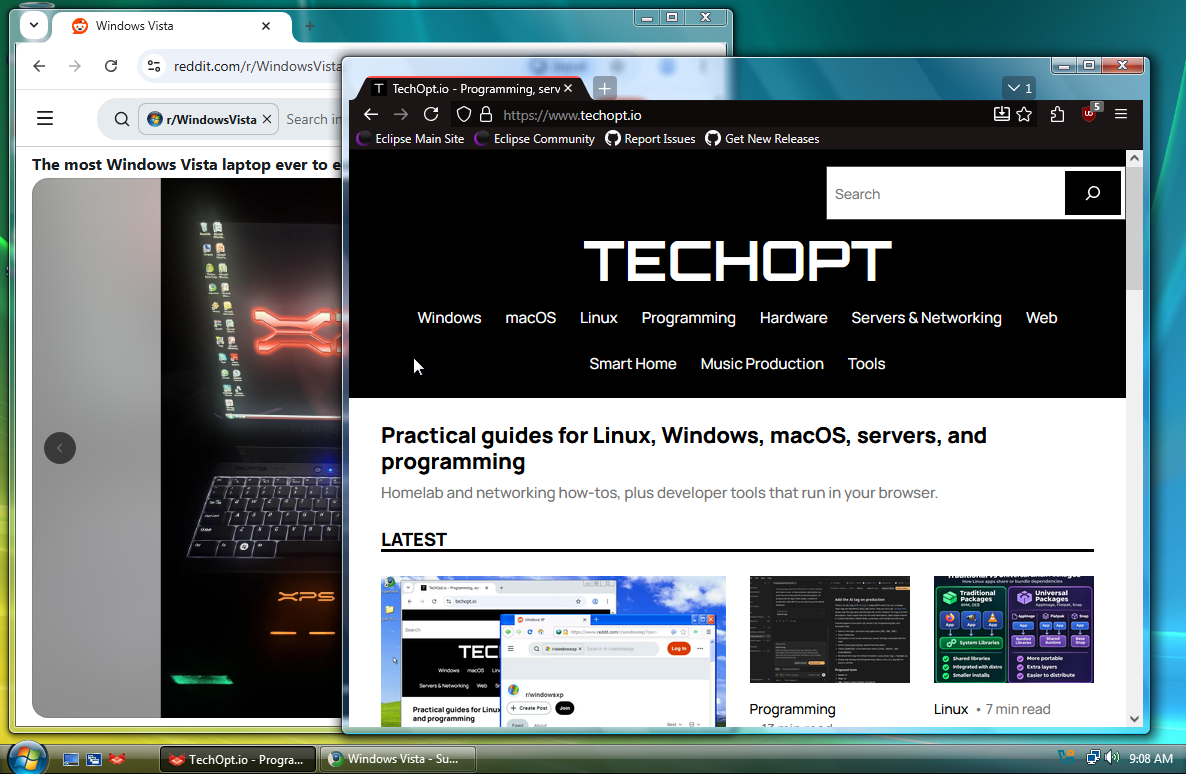
If you’re using something slightly newer, I’ve also covered modern browsers for Windows Vista that still work.
It’s impressive that developers still maintain browsers for an OS released in 2001. Judging by the XP searches reaching TechOpt, the nostalgia isn’t going anywhere. Maybe Windows 98 is next.
Leave a Reply