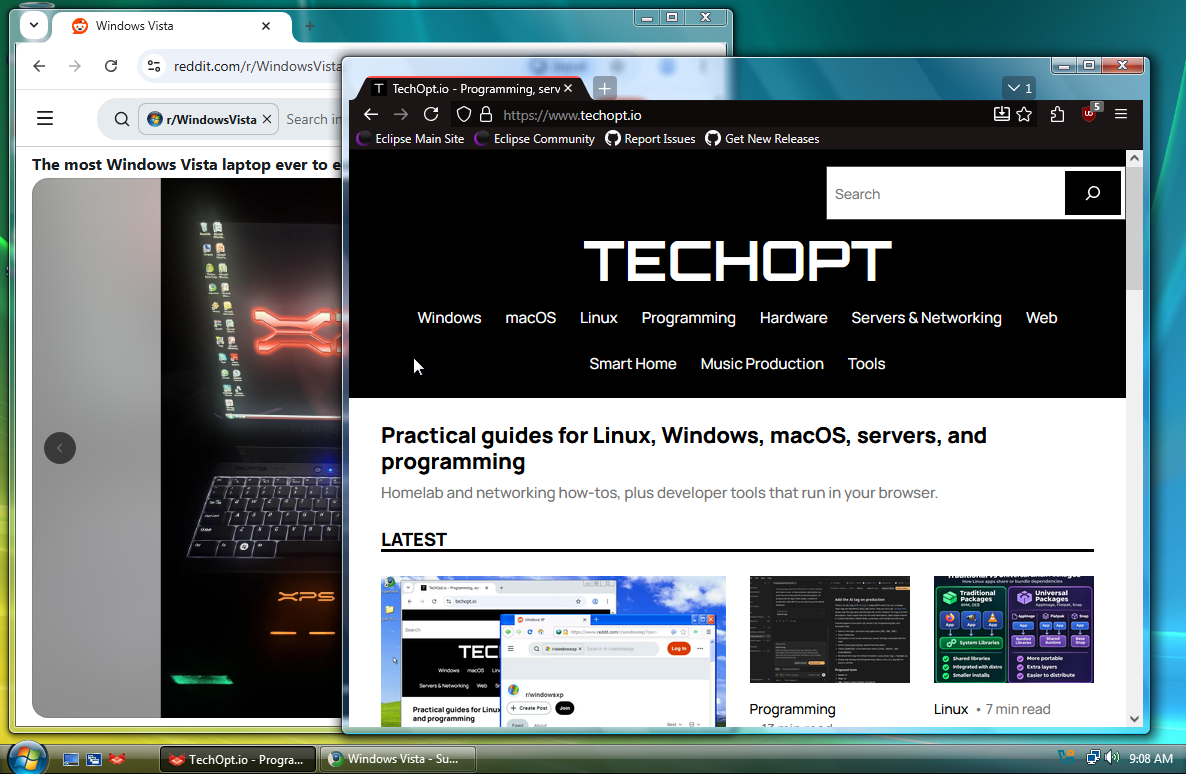
Judging by the legacy Windows versions being searched on TechOpt.io, some of you seem determined to keep Microsoft’s long-retired operating systems connected to the modern internet. I already covered modern browsers for Windows XP. Naturally, Windows Vista is next. If you’re looking for modern browsers for Windows Vista, there’s surprisingly good news: you don’t have to rely on Internet Explorer 9 or a decade-old copy of Chrome.
Vista may be remembered for endless permission prompts, but its Aero desktop still looks pristine. Better yet, community projects are keeping modern browser engines available.
TL;DR: Try r3dfox if you want a Firefox-style browser, or Supermium if you prefer Chromium. Both have received releases recently. Neither makes Windows Vista itself a supported or secure operating system.
Modern Browsers for Windows Vista: Quick Comparison
| Browser | Browser engine | Best for | Main consideration |
|---|---|---|---|
| r3dfox | Firefox-based | My first choice for Vista | Needs Vista SP2 and Platform Update KB971644 |
| Supermium | Chromium-based | Chrome-style browsing and website compatibility | Can be demanding on older CPUs and RAM |
These are community-maintained forks, not official Mozilla or Google releases. Their developers have adapted newer browser code for operating systems that mainstream browsers abandoned.
Modern Firefox for Windows Vista: r3dfox
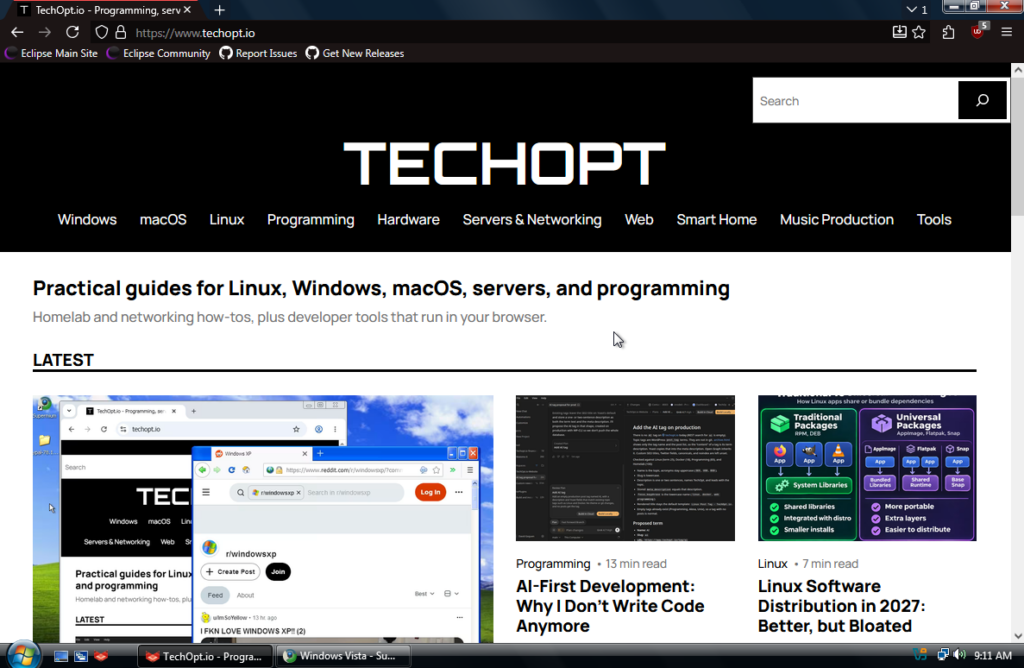
r3dfox is a Firefox fork maintained by the Eclipse Community. It specifically targets older Windows versions, including Vista, and includes Firefox’s familiar tabs, settings, add-ons and browsing features.
Among modern browsers for Windows Vista, it’s my starting recommendation, especially if you prefer Firefox. Portable builds also let you try it without a full installation.
The developers have published new builds in 2026. Unlike the unsupported Firefox 52 ESR, r3dfox uses newer Firefox code.
For Windows Vista, the project’s release notes list two requirements:
- Windows Vista Service Pack 2.
- Platform Update KB971644.
An untouched Vista installation may need those updates first. If the browser fails to start, check its release notes instead of downloading random DLL files.
Download: r3dfox releases on GitHub
A Chromium Browser for Windows Vista: Supermium

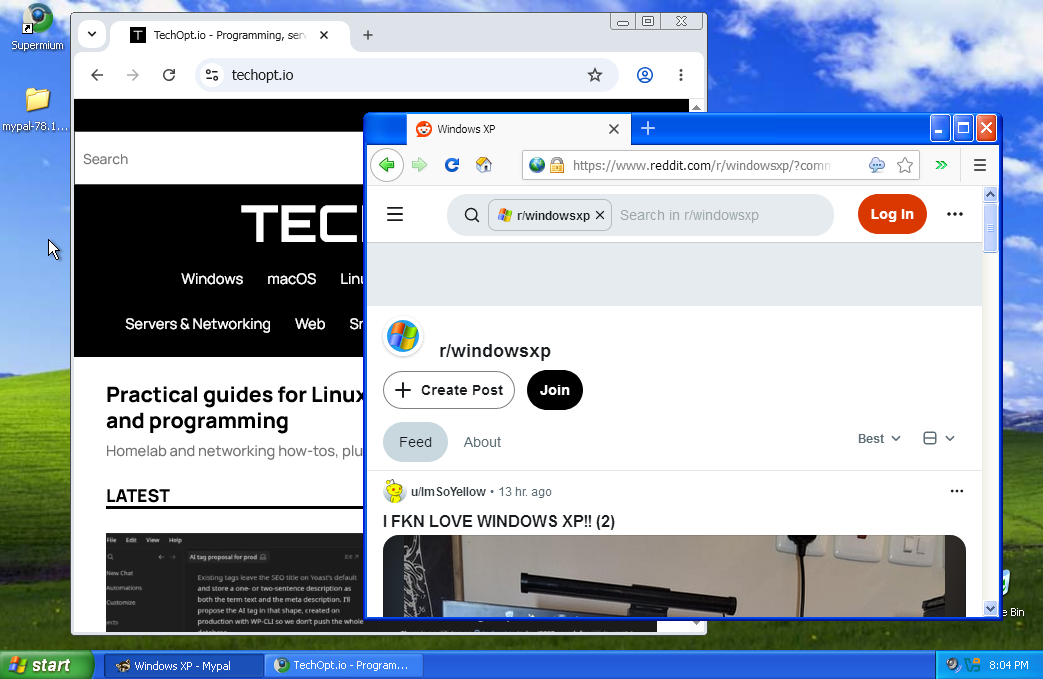
Supermium takes the other route. It’s a Chromium fork designed to bring newer Chrome-style browsing to older systems, including Windows XP, Vista and Windows 7.
You get a familiar Chromium interface and newer web features. If a site behaves strangely in r3dfox, Supermium is a sensible second option. It offers 32-bit and 64-bit builds.
Supermium is actively maintained. Its November 2026 releases include Chromium 150-based builds with upstream fixes and security patches, rather than Vista’s old Chrome 49.
A current Chromium-based browser can be heavy on Vista-era processors and limited RAM. Extensions, some websites and DRM-protected streaming may still have compatibility problems.
Download: Supermium releases on GitHub. The project’s official website is supermium.net.
How to Install Modern Browsers for Windows Vista
Installing modern browsers for Windows Vista isn’t difficult, but a few details matter.
- Check your Vista version. Open Start, right-click Computer, and choose Properties. Check that Service Pack 2 is installed and note whether your system is 32-bit or 64-bit.
- Install missing Vista updates. For r3dfox, make sure Platform Update KB971644 is present. Use the project’s release notes to identify any additional requirements for the build you choose.
- Get the browser from its official project. Use the GitHub release pages linked above, not a random download mirror.
- Choose the right package. Install the matching 32-bit or 64-bit build, or extract the portable version to a folder.
- Open a few ordinary websites first. Check basic page loading, fonts, scrolling and video playback before assuming every modern web app will work.
If Internet Explorer 9 can’t open GitHub or complete a download, use a newer computer to download the installer and transfer it by USB. That’s often easier than troubleshooting Vista’s outdated web stack.
Why Not Use Chrome 49 or Firefox 52 ESR?
The last official Chrome branch for Windows Vista was Chrome 49. Mozilla’s last supported version was Firefox 52.9 ESR. Neither receives security updates for Vista anymore.
Those versions are useful for historically accurate testing, not everyday browsing. Current websites depend on JavaScript features, APIs and security capabilities those releases lack.
That’s where r3dfox and Supermium help: they bring newer browser code to Vista instead of freezing the web in 2016-2018.
Don’t assume that every alternative advertised as a ‘Vista browser’ offers the same thing, either. A browser that merely launches on Vista is not necessarily maintained or compatible with current websites.
Can Windows Vista Browse the Web Safely?
Here’s the part nostalgia can’t fix: Microsoft ended Windows Vista support in April 2017. The operating system no longer gets normal security fixes.
Newer browser engines may reduce some risks, but they don’t fix Windows kernel or networking vulnerabilities. Small community projects also can’t guarantee mainstream-vendor security testing or patch speed.
Treat Vista browsing as a retro-computing experiment, not a setup for banking, sensitive accounts or personal data. Isolate it from important devices where practical.
A virtual machine is another reasonable option if you mainly want the experience. I’ve covered why a full VM is the right choice for running a separate Windows operating system in Proxmox. Virtualization offers some isolation from your host, though it doesn’t make the Vista guest safe by itself.
What About Older Hardware?
Even modern browsers for Windows Vista can’t make a 2007 laptop fast. Today’s websites use more memory and CPU than Vista-era pages.
Try both browsers, keep tabs to a minimum and use lightweight sites when possible. A page that loads can still feel painfully slow.
If you’d rather reuse the machine for a newer supported operating system, my guide to booting ISO files from a USB drive covers a convenient way to prepare an installer.
Final Recommendation
For modern browsers for Windows Vista in 2026, I’d start with r3dfox. Its Vista-focused compatibility makes it a natural first download, especially for anyone who prefers Firefox. Keep Supermium as the Chromium alternative for sites that behave better with a Chrome-style engine.
It’s pretty impressive that either option exists at all. Vista may be long past its prime, but thanks to these community developers, you can still open a modern webpage behind all that Aero Glass. Just don’t mistake ‘it works’ for ‘it’s secure.’
Leave a Reply