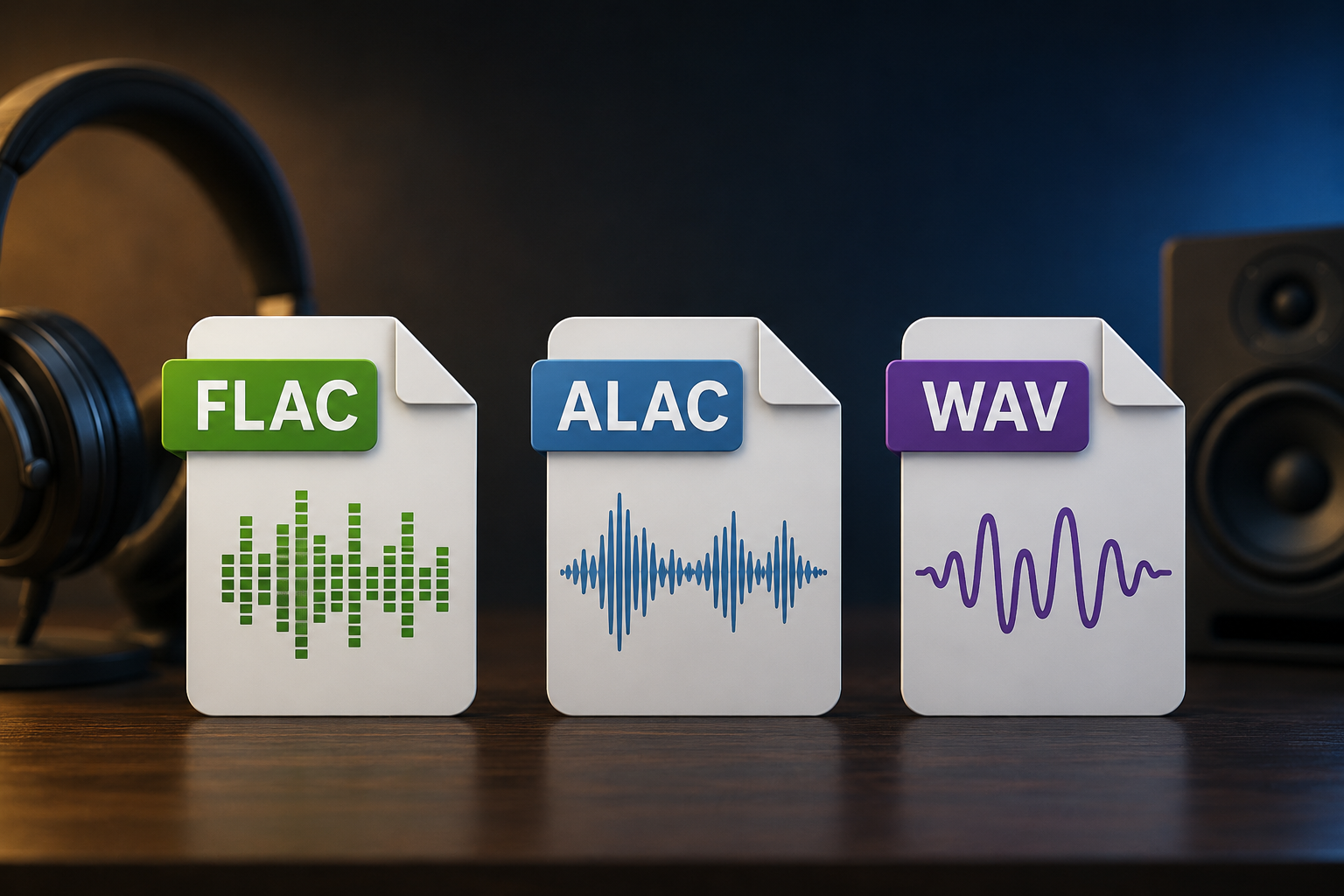
If you are building a serious music library, ripping CDs, archiving old recordings, or organizing audio for a media server, you have probably run into three common formats: WAV, FLAC and ALAC.
At first, the choice can feel more complicated than it really is. WAV is often seen as the “studio quality” option, FLAC is popular with audiophiles and media server users, and ALAC is commonly associated with Apple devices.
The good news is that all three can store lossless audio. However, they are not equally convenient for long-term media storage.
In this blog, I will compare WAV, FLAC and ALAC from a practical storage perspective, including file size, metadata, compatibility, editing, and which format makes the most sense for different types of music libraries.
WAV vs FLAC vs ALAC: Quick Answer
For most people, FLAC is the best format for long-term media storage.
It gives you the same audio quality as WAV, usually uses much less space, supports metadata well, and works nicely with media servers like Plex, Jellyfin, Kodi, and many dedicated music players.
WAV still has its place, especially for recording, editing, sample libraries, and professional audio workflows, but it is usually not the most efficient format for storing a large music collection.
ALAC is also a great choice if you mainly live in the Apple ecosystem.
What Is WAV?
WAV, short for Waveform Audio File Format, is an audio container format originally associated with IBM and Microsoft. It is commonly used to store uncompressed PCM audio, although WAV can technically contain compressed audio too.
In simple terms, a typical WAV file stores raw audio data without trying to make the file smaller.
That makes WAV simple, widely supported, and excellent for editing. However, it also means the files can get very large.
For example, CD-quality audio at 16-bit / 44.1 kHz uses roughly 10 MB per minute in uncompressed stereo WAV format. A full album can easily take hundreds of megabytes.
WAV Pros
WAV is excellent when you want maximum compatibility with audio editors, DAWs, samplers, and professional tools. It is also simple to process because the audio is usually stored in an uncompressed format.
This makes WAV a great format for:
- Recording projects
- Audio editing
- Sample packs
- Temporary production files
- Exporting masters before final encoding
WAV Cons
The biggest problem with WAV is storage efficiency. Since typical WAV files are uncompressed, they take up much more space than FLAC or ALAC.
WAV can also be less pleasant for music library organization. Metadata support exists, but in practice, tagging WAV files is not always as consistent across music players compared to FLAC or ALAC.
If you are storing thousands of songs, this matters. Album art, artist names, track numbers, genres, and release dates are all important when browsing a media library.
What Is FLAC?
FLAC stands for Free Lossless Audio Codec. It compresses audio without losing quality, similar to how ZIP can compress files without changing their contents. Xiph.Org describes FLAC as lossless audio compression designed specifically for audio.
That means a FLAC file can be decoded back into the same audio data you would get from the original WAV source.
In other words, FLAC is not like MP3. MP3 throws away audio data to save space, and FLAC keeps the audio intact while still reducing file size.
FLAC Pros
FLAC is probably the best all-around format for storing a personal lossless music library.
It usually saves a lot of space compared to WAV, supports strong metadata tagging, is open, and is widely supported across many platforms and media players.
FLAC is especially useful for:
- CD rips
- Lossless music libraries
- Plex, Jellyfin, Kodi, and other media servers
- Archiving music without wasting space
- Keeping album art and metadata organized
FLAC files are also easy to verify. Since FLAC supports checksums, it is a very good format for people who care about long-term archival integrity.
FLAC Cons
The main downside is Apple compatibility. FLAC support is much better than it used to be, but ALAC still feels more native if you use Apple Music, iPhones, iPads, and macOS as your main music ecosystem.
FLAC is also compressed, so it takes a small amount of CPU power to decode. However, on any modern computer, phone, or media server, this is usually not a concern at all.
What Is ALAC?
ALAC stands for Apple Lossless Audio Codec. It is Apple’s lossless compression format. Apple says ALAC preserves the original audio data while reducing file size, and Apple Music uses ALAC for its lossless catalog.
ALAC is similar to FLAC in the most important way: it is lossless.
That means ALAC and FLAC can both store the same quality of audio. The main difference is ecosystem support.
ALAC Pros
ALAC is a great option if your music life revolves around Apple devices.
It works well with:
- Apple Music
- iPhone
- iPad
- macOS
- Apple TV
- AirPlay-focused setups
ALAC files are usually stored in .m4a containers, which also have good metadata support. If you want lossless files that feel native in Apple’s ecosystem, ALAC is often the easiest choice.
ALAC Cons
Outside of Apple-focused setups, ALAC is not usually as popular as FLAC.
Many apps and media servers can play ALAC just fine, but FLAC tends to be the more common standard among audiophiles, archivists, home server users, and open-source media tools.
If you are building a media library that you want to keep flexible across many systems, FLAC is usually the safer long-term bet.
WAV vs FLAC vs ALAC File Size
File size is one of the biggest reasons to choose FLAC or ALAC over WAV.
A WAV file usually stores audio without compression. FLAC and ALAC compress the same audio data losslessly, so they can reduce storage use while keeping the same quality.
A rough comparison for CD-quality music:
| Format | Compression | Typical Size | Audio Quality |
|---|---|---|---|
| WAV | None | Largest | Lossless |
| FLAC | Lossless | Slightly smaller than WAV | Lossless |
| ALAC | Lossless | Similar to FLAC | Lossless |
The exact savings depend on the music. Simple acoustic music may compress better than dense electronic or metal tracks. Still, FLAC and ALAC are usually far more storage-friendly than WAV.
For a small collection, WAV may not seem like a big deal. For thousands of albums, the difference can become massive.
Does FLAC or ALAC Sound Worse Than WAV?
No. FLAC and ALAC do not sound worse than WAV when they are created properly from the same source.
They are lossless formats. When decoded, they reproduce the original audio data.
The difference is not sound quality. The difference is storage, tagging, compatibility, and workflow.
If you convert a WAV file to FLAC and then decode that FLAC back to WAV, the audio data should match. The FLAC file is simply a more efficient way of storing it.
However, this only applies if the source is truly lossless. Converting an MP3 to FLAC does not restore lost quality. It just creates a larger file containing already-damaged audio.
I covered that problem in more detail in my guide on identifying fake FLAC files: How to Identify Fake FLAC Files
Metadata and Library Organization
Metadata is where FLAC and ALAC really shine for media storage.
When you are managing a large music library, you usually want:
- Artist
- Album
- Track title
- Track number
- Genre
- Year
- Album art
- Disc number
- Composer
- ReplayGain or loudness tags
FLAC handles this very well. ALAC also handles metadata well, especially in Apple software.
WAV can store metadata, but support is not as consistent across players and tagging tools. This makes WAV less ideal for a neatly organized personal music library.
For media storage, metadata matters almost as much as audio quality. A perfectly preserved WAV collection is annoying if half your album art, track numbers, or artist tags do not show correctly.
Compatibility: Which Format Plays Everywhere?
WAV has the broadest basic compatibility. Almost anything can open a WAV file.
FLAC is extremely well supported across modern media players, servers, and audio tools. It is especially common in open-source and home media server setups.
ALAC is strongest inside the Apple ecosystem. It is also supported by many modern players, but it is not usually the default choice for non-Apple media libraries.
Here is the practical breakdown:
| Use Case | Best Format |
|---|---|
| Professional recording and editing | WAV |
| Long-term music library storage | FLAC |
| Apple-focused lossless library | ALAC |
| Plex or Jellyfin music server | FLAC |
| CD ripping archive | FLAC |
| Sharing with a studio or DAW | WAV |
| iPhone-first local music library | ALAC |
When Should You Use WAV?
Use WAV when you are actively working with audio.
For example, WAV makes sense when recording vocals, editing podcasts, exporting stems, creating samples, or moving files between DAWs.
It is simple, uncompressed, and widely accepted by professional tools.
However, once the project is done, you may want to store the final version as FLAC or ALAC to save space while keeping the audio lossless.
Think of WAV as a production format, not always the best library format.
When Should You Use FLAC?
Use FLAC when you want the best general-purpose format for storing lossless music.
This is what I would choose for a personal archive, a home server, or a large music collection that needs to remain flexible over time. FLAC is what I use for my media server.
FLAC is especially good if you care about open formats, metadata, file integrity, and compatibility with media server software.
For most TechOpt readers who are building a home media setup, FLAC is probably the best default choice.
When Should You Use ALAC?
Use ALAC if you are heavily invested in Apple devices and want lossless audio that fits nicely into that ecosystem.
If your main playback devices are an iPhone, iPad, Mac, Apple TV, or Apple Music app, ALAC can be more convenient than FLAC.
It is also a good choice if you want to sync local lossless files through Apple-friendly workflows.
However, if you are trying to build a more platform-neutral archive, I would still lean toward FLAC.
Should You Convert WAV to FLAC?
Yes, in many cases.
If you have a large WAV music collection that you are using for listening and storage rather than active editing, converting it to FLAC can save a lot of disk space without reducing quality.
Just make sure you keep a backup before doing any large batch conversion.
A common workflow is:
- Keep active recording projects in WAV.
- Export finished masters as WAV.
- Convert final listening copies to FLAC.
- Store the FLAC files in your main media library.
- Keep original project files separately if needed.
This gives you the best of both worlds: production flexibility and efficient storage.
Should You Convert FLAC to ALAC?
Only if you need better Apple compatibility.
Converting FLAC to ALAC should preserve audio quality because both formats are lossless. However, you should still be careful with metadata during conversion.
Some tags may not transfer exactly depending on the software you use.
If your FLAC library already works with your devices, there is no urgent reason to convert it. But if you want everything to feel native in Apple Music or on iOS, ALAC may be worth it.
Should You Convert MP3 to FLAC or ALAC?
No, not for quality reasons.
Converting MP3 to FLAC or ALAC will not restore the audio data that was removed during MP3 compression. It will only create a larger lossless file that contains lossy audio.
This is one of the reasons fake FLAC files exist. Someone can take a lossy MP3, convert it to FLAC, and make it look like a high-quality file. But the missing audio information is still gone.
If you care about lossless quality, start from a true lossless source such as a CD rip, studio master, or legitimate lossless download.
Best Format for Media Servers
For media servers, I would usually choose FLAC.
It is efficient, open, reliable, and well supported by most serious media software. It also keeps your library easy to move between systems in the future.
If you are using Plex, Jellyfin, Kodi, Navidrome, or another self-hosted music setup, FLAC is a very practical choice.
WAV will work, but it wastes space.
ALAC may also work, but unless you specifically need Apple compatibility, FLAC is usually the more natural fit for a server-based library.
Final Recommendation
For most people, the best format for media storage is FLAC.
It gives you lossless quality, smaller files than WAV, strong metadata support, and excellent compatibility across modern media players and servers.
Choose WAV when you are recording, editing, exporting stems, or working in a professional audio environment.
Choose ALAC when you want a lossless library that works smoothly with Apple devices and Apple Music.
The simple rule is:
Use WAV for production, FLAC for archiving, and ALAC for Apple-focused playback.
That keeps your audio quality intact while making your library easier to store, manage, and enjoy.

Leave a Reply