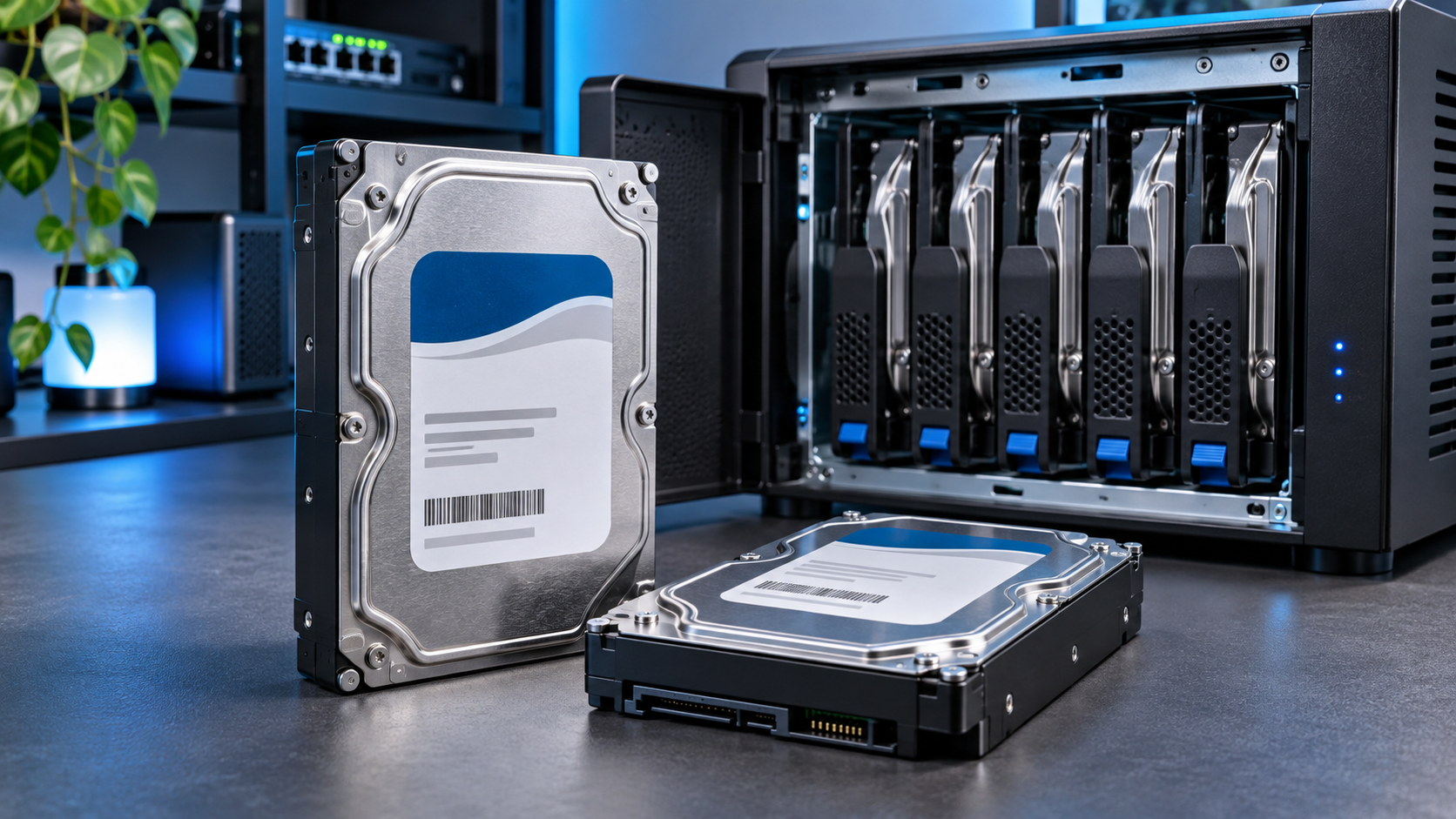
The best hard drives for TrueNAS aren’t necessarily the most expensive drives you can buy. For a home NAS, a conventional magnetic recording (CMR) drive designed for continuous operation is usually a sensible starting point. But if you’re building a larger ZFS pool, enterprise disks can offer excellent capacity for the money.
I use the 2TB Seagate IronWolf model in my own NAS. It’s a good example of the kind of NAS-specific hard drive I’d consider for a modest setup, although I would look at larger capacities if I were planning a high-capacity pool from scratch today.
TL;DR: Choose CMR, not SMR, for a TrueNAS or ZFS pool. Seagate IronWolf and WD Red Plus are straightforward choices for smaller NAS systems. Enterprise models such as Seagate Exos and WD Ultrastar make sense when you need more capacity and can accommodate their noise, power consumption, and hardware requirements. Before buying, check your layout with my ZFS capacity calculator.
This article contains affiliate links. As an Amazon Associate I earn commissions from qualifying purchases at no additional cost to you.
What Makes the Best Hard Drives for TrueNAS?
TrueNAS uses OpenZFS to manage storage. Depending on whether you use mirrors, RAIDZ1, or RAIDZ2, a pool can keep working after certain disk failures. However, replacing a failed drive still takes time: ZFS needs to resilver data onto the replacement.
That’s why the drive’s recording technology and sustained write behavior matter. A disk that performs acceptably for occasional file copies can become a problem during long, write-heavy rebuilds. TrueNAS’s own hardware guide specifically advises against drive-managed and host-aware SMR disks for ZFS.
CMR vs SMR: When Does It Actually Matter?
CMR (conventional magnetic recording) writes tracks without deliberately overlapping neighboring tracks. It’s better suited to repeated writes, random updates, and sustained ZFS resilvering.
SMR (shingled magnetic recording) packs tracks closer together by overlapping them. This can increase density, but updating existing data may require extra work to reorganize nearby tracks. Depending on the drive and workload, sustained writes can slow dramatically.
The distinction matters most when:
- Rebuilding a ZFS pool: A slow or stalled resilver extends the period when the pool has reduced redundancy.
- Running VMs or databases: Frequent small updates are a poor fit for many drive-managed SMR disks.
- Replacing or expanding disks: Large amounts of sustained writing are exactly where the recording method can become noticeable.
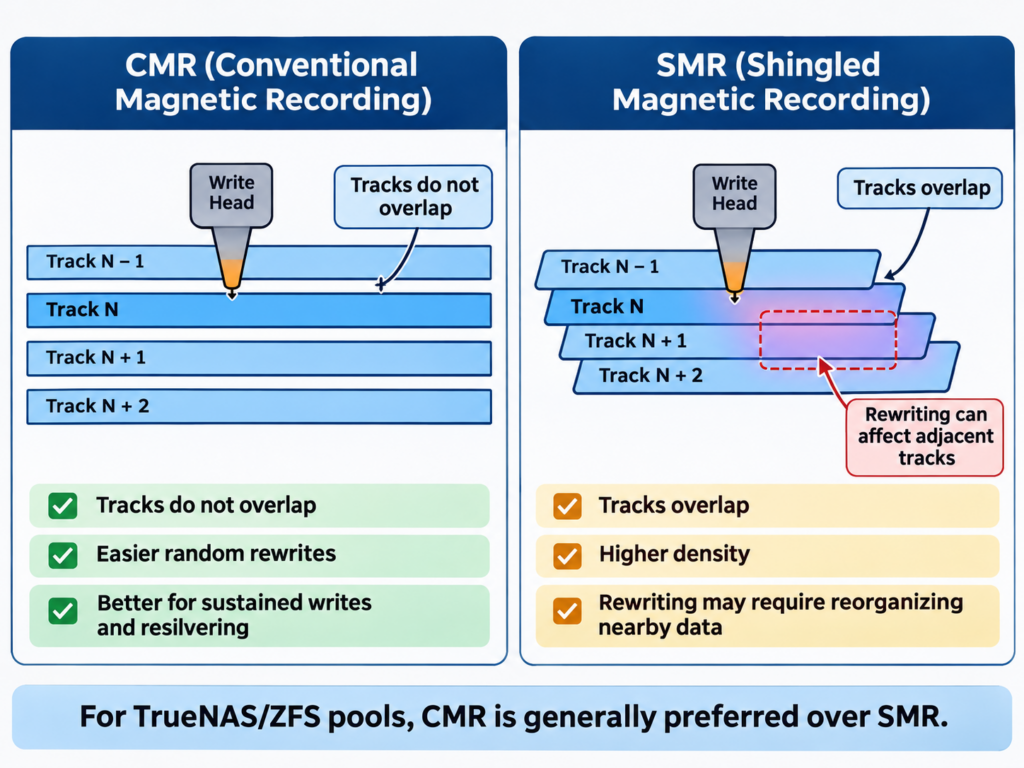
There are cases where SMR is reasonable, such as a standalone disk used mainly for infrequently updated, sequential archives. Even then, I’d want another copy of the data. For a TrueNAS pool, though, the practical answer is simple: buy CMR.
Don’t assume every drive labeled “NAS” is suitable. The original, non-Plus WD Red family included some SMR capacities, which prompted a specific TrueNAS compatibility warning. Check the exact model number and manufacturer’s recording-technology specification rather than relying on the product color or branding.
NAS Drives vs Enterprise Drives for TrueNAS
The best hard drives for TrueNAS depend on the size of your pool, your workload, and where the NAS is installed. You don’t need enterprise disks just because you’re using ZFS. Both types can work, but they target different environments.
| Example drive | Recording | Typical rated workload | New-drive limited warranty | Best fit |
|---|---|---|---|---|
| WD Red Plus 4TB (WD40EFPX) | CMR | 180 TB/year | 3 years | Small home NAS |
| Seagate IronWolf 4TB (ST4000VN006) | CMR | 180 TB/year | 3 years | Small home NAS |
| Seagate Exos X20 18TB SATA (ST18000NM003D) | CMR | Up to 550 TB/year | 5 years | Large-capacity pools |
| WD Ultrastar DC HC550 16TB SATA | CMR | Up to 550 TB/year | 5 years | Large or heavier-duty pools |
These are manufacturer specifications, not reliability rankings. A workload rating does not guarantee longevity, and refurbished or recertified warranties may differ.
Seagate IronWolf: What I Run in My NAS
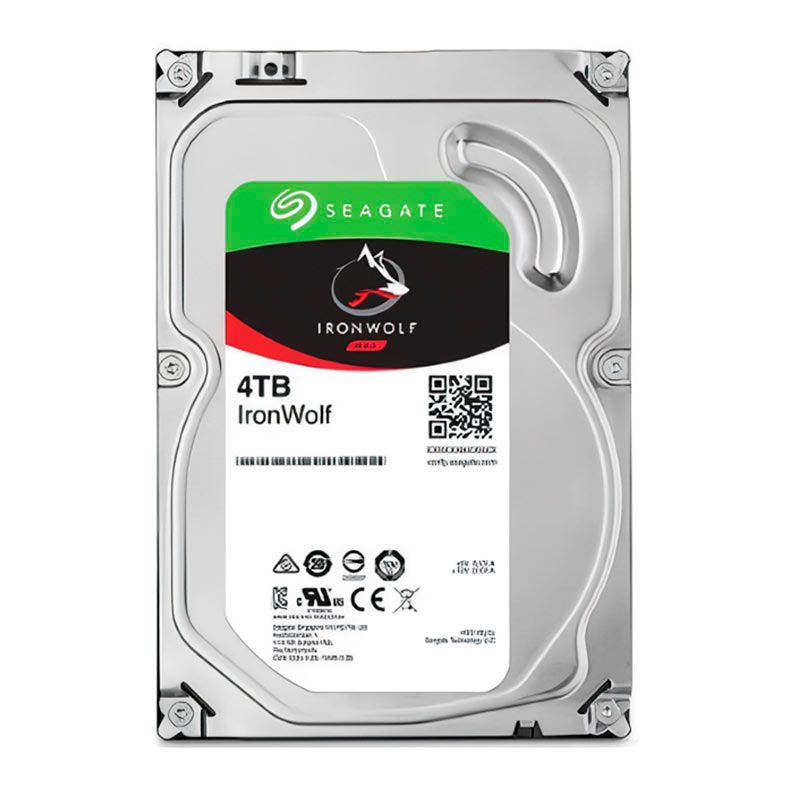
IronWolf is a sensible default for home NAS builds. It’s a CMR-focused range designed for continuous operation, and Seagate publishes the recording method and model details in its IronWolf specifications.
My own NAS uses 2TB IronWolf drives. They meet my needs, but that doesn’t make 2TB the ideal purchase for everyone. With few available bays, larger disks now may cost less than replacing the set later.
For a new build, I’d compare the 4TB IronWolf on Amazon and 8TB IronWolf on Amazon before settling on a size. If you want the smaller capacity I use, here’s an Amazon search for the 2TB IronWolf.
WD Red Plus: A Strong Alternative
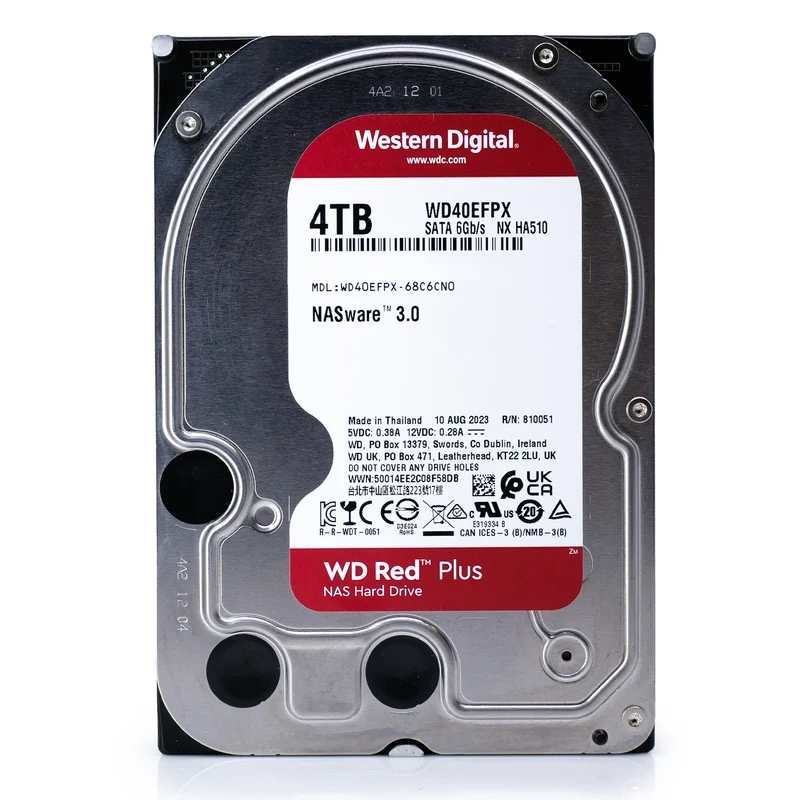
WD Red Plus competes directly with standard IronWolf drives. The 4TB WD40EFPX is CMR and has a 180 TB/year workload rating. Western Digital also positions Red Plus for home and small-office NAS systems, including RAID use.
I wouldn’t choose one over the other based on brand loyalty alone. Compare the exact capacity, price per TB, warranty, and seller. If Red Plus costs noticeably less than an equivalent IronWolf, I’d be comfortable considering it for the same kind of build.
Be careful not to confuse WD Red Plus with a plain WD Red listing. The names are similar, but the recording technology can differ.
Seagate Exos and WD Ultrastar: Enterprise Alternatives
If you’re filling a larger enclosure or need substantially more storage per bay, look beyond the usual NAS marketing. Enterprise families such as Exos and Ultrastar offer CMR models with higher published workload ratings. They’re worth comparing on price per usable TB, not just sticker price.
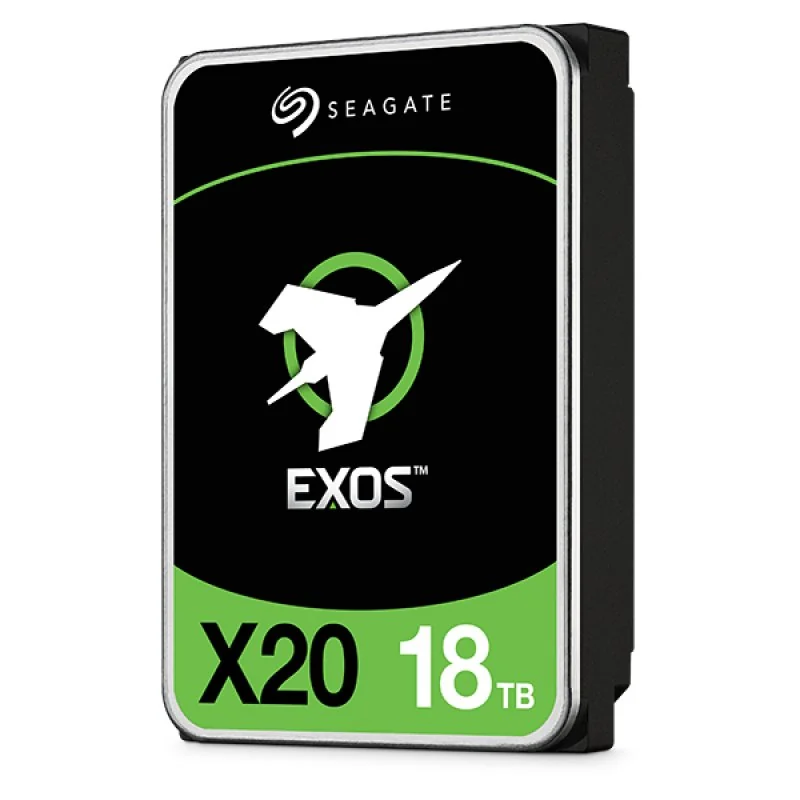
Two examples are the Seagate Exos X20 18TB SATA and WD Ultrastar DC HC550 16TB SATA. Both are designed for demanding environments, but neither automatically becomes the best drive for a quiet home office. Enterprise disks can be more audible during seeks, may draw more power, and are often sold through OEM or recertified channels.
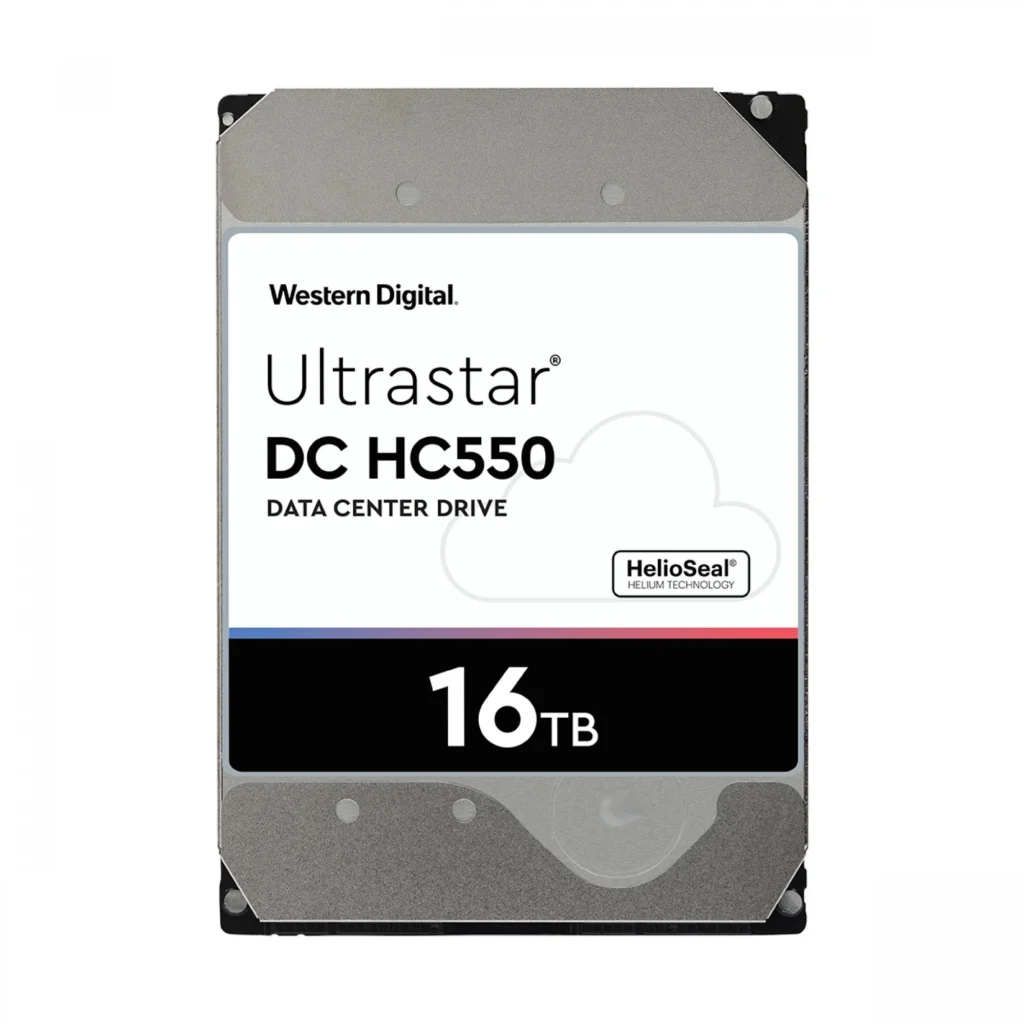
You can compare the Exos X20 18TB on Amazon or use this Amazon search for the Ultrastar HC550 16TB SATA. Check the precise model and condition before ordering.
Important: Enterprise drives may use SATA or SAS. A normal motherboard SATA port cannot operate a SAS drive. Make sure the listing says SATA unless your server has a compatible SAS controller and backplane. Also confirm whether the drive is new, used, or manufacturer/seller recertified, and who actually handles the warranty.
Calculate Your ZFS Pool Before Buying Drives
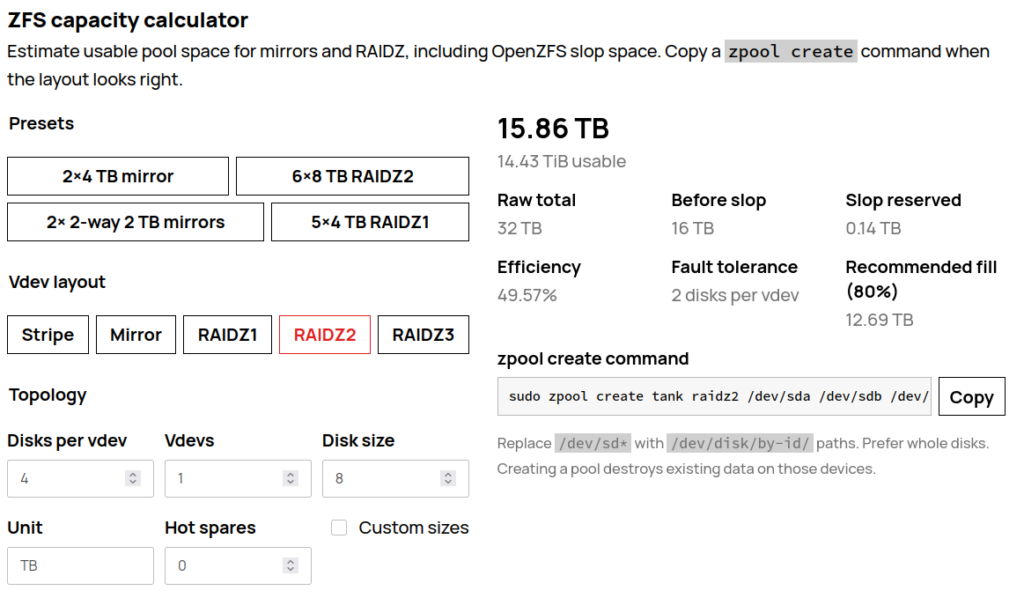
Choosing the best hard drives for TrueNAS starts with understanding usable pool capacity, not just raw disk size. A four-bay NAS with four 8TB disks has 32TB of raw manufacturer-rated storage, but redundancy changes what you can actually store.
As a simple theoretical comparison, before filesystem overhead and reserved space:
| Four 8TB disks | Approximate capacity before ZFS overhead | Drive failures tolerated within the layout |
|---|---|---|
| One RAIDZ1 vdev | 24TB | One |
| One RAIDZ2 vdev | 16TB | Two |
| Two mirrored pairs | 16TB | One per mirrored pair; not any arbitrary two |
For accurate planning, enter your disk size and layout into my ZFS capacity calculator. It accounts for additional ZFS space considerations that the simple table leaves out. Also remember that drive makers use decimal TB, while many operating systems display binary TiB.
If you’re planning traditional mdadm or hardware RAID instead of ZFS, use my RAID calculator for RAID 0, 1, 5, 6, or 10. RAIDZ and conventional RAID aren’t interchangeable capacity calculations.
One more buying tip: avoid mixing substantially different capacities within a single vdev. As the TrueNAS ZFS primer explains, a vdev with mismatched disks is generally constrained by its smallest member. Plan the layout first, then buy disks to match it.
What I’d Check Before Placing an Order
Even a good drive model can become a bad purchase if the listing isn’t what you expected. I’d check the following:
- Exact model and CMR status: Verify the manufacturer’s datasheet, especially for older or ambiguous listings.
- SATA versus SAS: Confirm your motherboard, HBA, and backplane support the interface.
- New versus recertified: Compare the actual seller warranty and return window, not just the original manufacturer’s advertised warranty.
- Noise, cooling, and power: Consider where the NAS lives and whether the enclosure can cool several large disks.
- Whole-pool cost: Multiply by the number of drives, then account for redundancy and replacement capacity.
After installation, monitor drive health and arrange backups before trusting the pool with irreplaceable data. Redundancy protects against certain disk failures; it doesn’t replace backups. For an example of why I care about dependable NAS storage, see my Immich on Proxmox setup, where my photos live on a NAS share.
Which Hard Drives Would I Buy for TrueNAS?
For a small, quiet home NAS, I’d start by comparing WD Red Plus and Seagate IronWolf in the capacity I actually need. My 2TB IronWolf setup is an example of that approach, not a reason to buy smaller drives than your storage plan calls for.
For a larger ZFS pool, I’d put Seagate Exos and WD Ultrastar on the shortlist as well, provided the interface, acoustics, seller, and warranty make sense. In either case, buy verified CMR disks, choose the ZFS layout first, and calculate usable capacity before spending money.

Leave a Reply